Put Your Art on a T-shirt
From sketch to wearable in minutes — share your art beyond the canvas


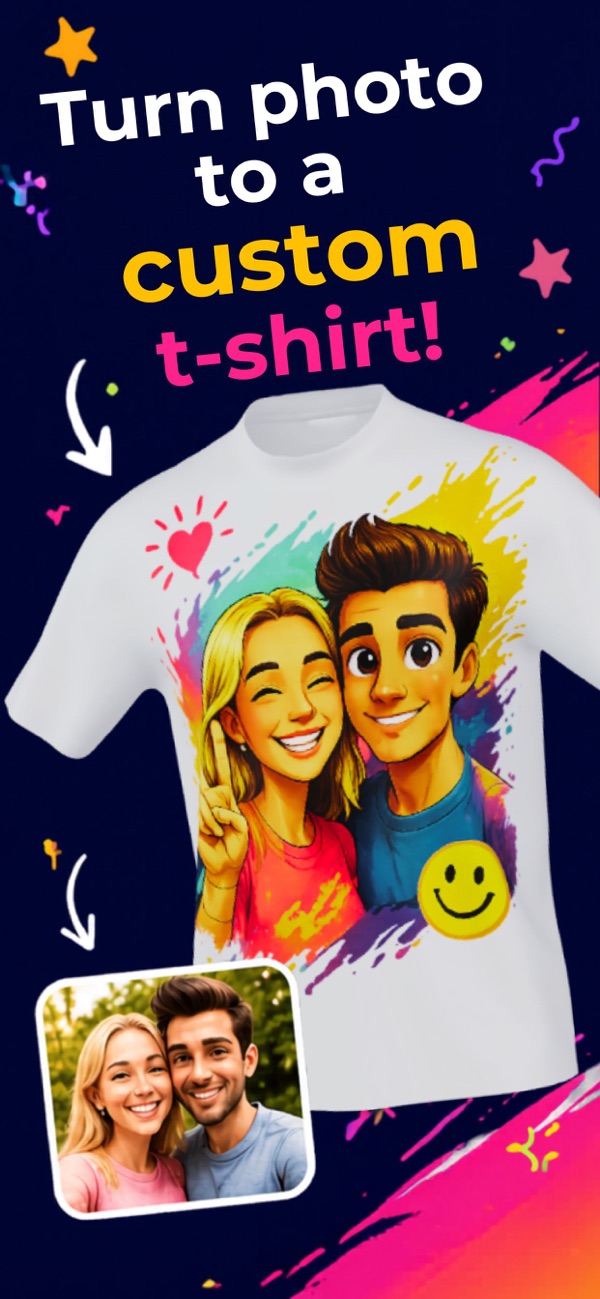
Your art deserves to be worn. Whether you paint, illustrate digitally, take photographs, or sketch by hand, HiTee turns your work into a high-quality wearable print faster than any other platform. Upload your artwork directly from your phone or camera roll — no print-ready file formats required. The AI optimizes color reproduction for fabric printing, so what you see on screen is close to what arrives in the mail. Sell to friends, create merch for your audience, or just wear your own art.
Sound Familiar?
- ✓Print-on-demand platforms require complex store setup before printing a single shirt
- ✓Achieving accurate color reproduction on fabric is notoriously difficult
- ✓Minimum print runs make experimenting with new designs expensive
- ✓Uploading artwork in the right file format requires technical knowledge
- ✓Shipping times and quality vary wildly across cheap print platforms
HiTee was designed with creators in mind. Upload any image — JPG, PNG, or a photo of physical artwork — and the AI handles color optimization for fabric printing. Preview the result on different shirt colors and styles before ordering. No store setup, no subscription, no minimum order. Just your art, on a shirt, in minutes.
Everything You Need
Any Artwork Format
Upload digital files, phone photos of physical art, or illustrations directly — no vector file required.
Color Optimization for Fabric
AI adjusts your artwork's colors for accurate fabric reproduction so prints match your original vision.
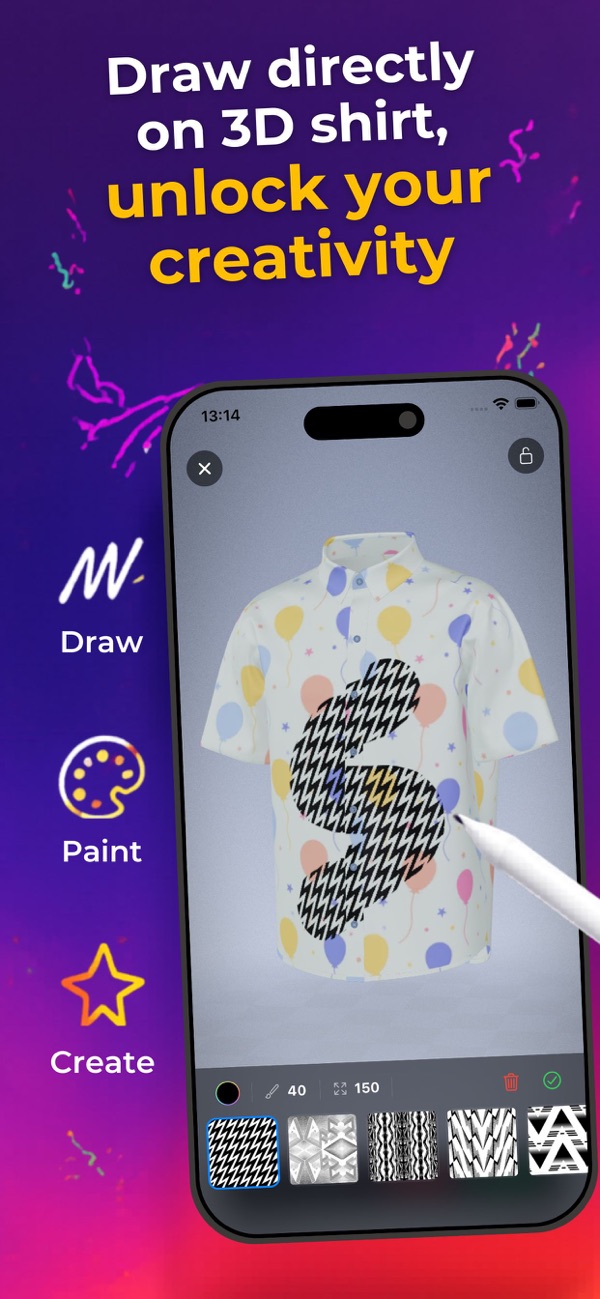
On-Shirt Preview
See your artwork on different shirt colors and styles before you commit to printing.
No Minimums
Print one shirt to test a design or dozens for your first merch drop — no minimums ever.
Straight from Your Phone
Upload directly from your camera roll or drawing app — no computer or file conversions needed.
See It In Action
What People Are Saying
“I took a photo of a watercolor I painted and uploaded it to HiTee. The shirt arrived and the colors were remarkably close to the original. Blown away.”
“I needed artist merch fast for a local market. HiTee let me print 10 different designs without the minimum order trap. Sold out my shirt table.”
“I export from Procreate directly to HiTee. The workflow is seamless. I've made shirts of 30+ pieces now. It's my favorite way to share my work.”
Frequently Asked Questions
Can I upload digital illustrations directly from Procreate or Photoshop?+
Yes. Export your artwork as a PNG or JPG and upload directly. HiTee accepts any standard image format from any creative app.
How accurately will my colors reproduce on the shirt?+
HiTee's AI optimizes your artwork's color profile for fabric printing. Colors print very close to the original, though slight variation is normal between screen and fabric. The preview in the app reflects the expected print output.
Can I photograph physical artwork to print on a shirt?+
Yes. Take a well-lit photo of your painting, drawing, or sketch and upload it. The AI will enhance the image quality and prepare it for printing.
Can I sell shirts made with HiTee?+
You retain full rights to your artwork. You can order shirts to sell or give away however you choose — HiTee doesn't restrict what you do with your printed shirts.
Is there a minimum order when testing a new design?+
No. You can print a single shirt to test a new design before ordering more. No minimums, no setup fees.
Try Our Calculators
More Custom T-shirt Ideas
Wear Your Art
Download HiTee and turn your artwork into a custom t-shirt in minutes.